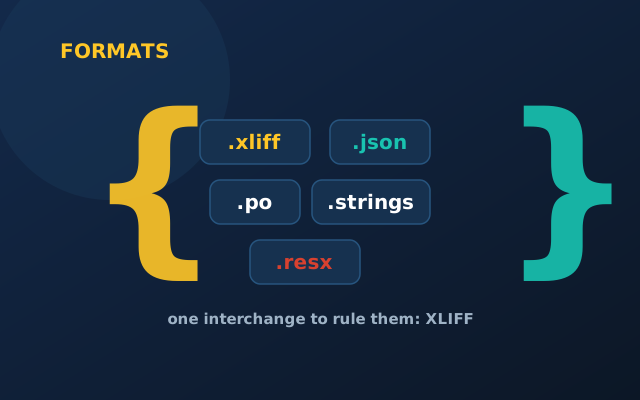
Every localization project eventually hits a moment of "wait, what format do you need this in?" The honest answer is: it depends on your platform — but the formats fall into a few familiar shapes, and one of them quietly ties everything together.
The platform-native formats
These are what your code already uses:
.json/.yaml— web and JavaScript apps. Simple key-value pairs, sometimes nested..stringsand.stringsdict— Apple platforms (iOS, macOS); the dict variant handles plurals..xml(Androidstrings.xml) — Android, with built-in plural and quantity support..resx— .NET / Microsoft stacks..arb— Flutter applications..po/.pot— the gettext family, common in PHP, Python and WordPress.
You don't usually choose these — your framework does. The localization job is to extract them cleanly and put them back unchanged except for the translated values.
XLIFF: the interchange format
XLIFF (XML Localisation Interchange File Format) is the one to know. It's a neutral, standardized container that localization tools can all read and write. A platform-native file gets converted into XLIFF for translation, then converted back. It carries not just source and target text but also status, notes, context and metadata — the things a bare .json can't hold.
Think of XLIFF as the shipping container of localization: your goods (strings) travel in a standard box that every port (tool) can handle, then get unpacked back into their native shelving at the destination.
You translate the meaning, not the file. XLIFF exists so the file format never gets in the way of the meaning.
What actually goes wrong with formats
- Encoding. Anything other than UTF-8 will eventually mangle an accent or a CJK character. Always UTF-8.
- Placeholders.
{name},%s,%1$smust survive translation intact — a good tool locks them so they can't be edited or reordered wrongly. - Escaping. Quotes, ampersands and newlines have format-specific escaping rules; breaking them breaks the build.
- Plurals. Make sure your format expresses plurals natively, or languages with many plural forms can't be done correctly.
The short version
Your platform decides your native format; your localization tooling converts it to XLIFF and back. Keep everything UTF-8, protect placeholders, respect plural rules — and you'll rarely think about formats again, which is exactly the point.